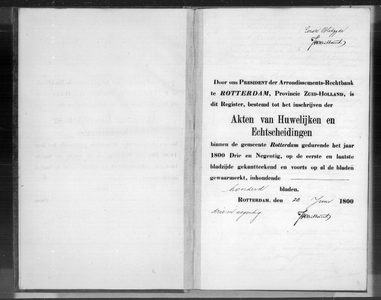
Marriage on in Rotterdam (Netherlands)
Father of groomMother of groom |
GroomFerdinand Hendrik Christoffel Schutt, born in Rotterdam, 30 years old BrideWilhelmina Josina van Raaijen, born in 's Gravenhage, 42 years old |
Father of brideJacobus Johannes Roelandus van Raaijen Mother of bride |

Source citation
Rotterdam City Archives in Rotterdam (Netherlands), Civil registration marriages
Burgerlijke Stand Rotterdam, huwelijksakten, Rotterdam, archive 999-06, inventory number 1893G, 04-10-1893, Nadere toegang op het huwelijksregister van de gemeente Rotterdam, record number 1893.1312, folio g081v
Permalink https://hdl.handle.net/21.12133/B5EEA2667C5B406FB9443C5274FDADFD
Internet address
- https://hdl.handle.net/21.12133/B5EEA2667C5B406FB9443C5274FDADFD
- https://www.openarchieven.nl/srt:7a2efb5e-ca84-e3ae-8946-46979055f28e
Scans of marriage supplements are - according to Open Archives - available through FamilySearch:
- Rotterdam, Huwelijken, Huwelijksbijlagen, Echtscheidingen 1888-1894 v/a 34 t/m 30
- Rotterdam, Huwelijksbijlagen 1892 akte 1521-1543; Huwelijksbijlagen 1893 akte 1-450
- Rotterdam, Huwelijksbijlagen 1893 akte 956-1465
- Rotterdam, Huwelijksbijlagen 1893 akte 451-955
- Rotterdam, Huwelijksbijlagen 1893 akte 1466-1689; Huwelijksbijlagen 1894 akte 1-271
To have Open Archives automatically search for additional information and related documents, you must be logged in.
Scan